| Layout | Best for | Watch for | Planning use |
|---|---|---|---|
| Reverse chronological | Most job seekers | Draws attention to significant gaps in work history | Make this your default. Switch only if a gap or a career change would dominate the page. |
| Functional | Career changers and people with gaps in employment | Focuses on skills over job history, so employers see less of your timeline | Consider it when your skills tell a stronger story than your job titles. |
| Combination | Candidates who want skills and job history both visible | Blends both approaches, so it needs tight editing to stay short | Use it as the middle route when neither pure layout fits. |
| Any layout | Every application | Length beyond 1 page for most positions; tables, text boxes and other design elements that complicate ATS parsing | Keep the structure plain and the length at 1 page unless your field expects otherwise. |
Layout guidance comes from Resume.io’s format comparison and the UCLA Career Center formatting checklist.
The best resume format for most job seekers is reverse chronological, set in a plain sans serif font. Choose a functional or combination layout only when a career change or employment gap makes a work-history lead unhelpful.
Format is one part of the job. For wording, content and the wider search, see these resume tips, then come back here to lock in the layout.
Choose the layout first
Your career situation decides the layout, so settle that before touching margins or fonts. UCLA’s career center notes that employers take an average of 7 seconds to read a resume. A layout that shows your strongest evidence at a glance matters more than a decorative one.
Reverse chronological
The reverse chronological resume format lists your most recent job first and works backwards. Resume.io states that the best resume format for most job seekers is reverse chronological. It suits a steady work history, because the page shows consistent employment at a glance. Its drawback is that it draws attention to significant gaps in your work history.

Functional
A functional resume puts skills and expertise ahead of job history. Resume.io describes it as ideal for career changers or gaps in employment. Pick it when your past job titles would mislead a reader about what you can do next. Skip it if your history is continuous and relevant, because a skills-only page then hides your best proof.
Combination
A combination resume blends both approaches. Use it when you want a skills section near the top and a work history underneath. This suits someone moving sideways who still has directly relevant recent roles. The trade-off is space, so every skill you list should be backed by an entry further down.
- List your last few roles and note whether the dates run without breaks.
- Choose reverse chronological if they do and the roles relate to your target job.
- Choose functional or combination if a gap or a change of field would otherwise lead the page.
Set margins and font
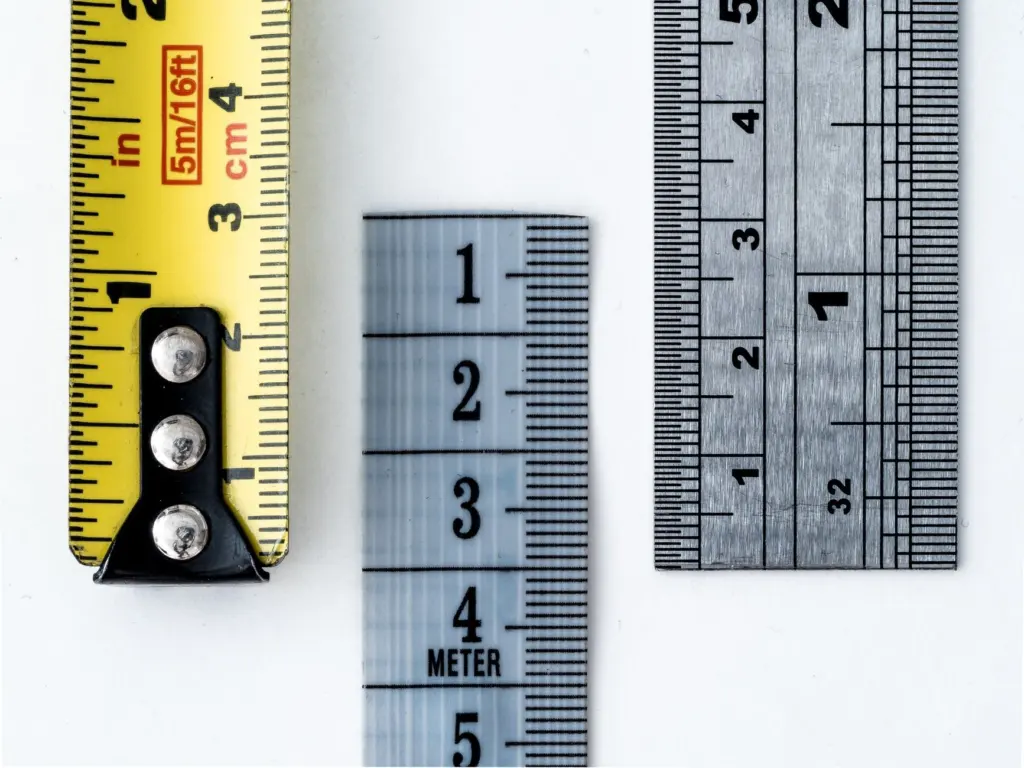
Margins and font are the specs that make the layout readable, and career centers give concrete numbers. The UCLA checklist says to use .5 inch margins and encourages sans serif fonts like Calibri and Arial for reasons of accessibility. If an employer or school gives its own instructions, follow those instead.

| Setting | Guidance | Planning use |
|---|---|---|
| Margins | 0.5 inch | Set all four sides in the page-layout menu before you add content, so you can judge length honestly. |
| Font family | Sans serif such as Calibri or Arial | Pick one family for the whole page and vary weight rather than typeface. |
| Name in header | 16-20 points | Treat this as the only large text on the page so your name leads without crowding the content. |
Margin and font figures come from the UCLA Career Center checklist, and the header size from iCareerSolutions.
- Open the page setup and enter 0.5 inch for the top, bottom, left and right margins.
- Choose Calibri or Arial, or another sans serif font, for all text.
- Set your name between 16 and 20 points and keep every other line visibly smaller.
- Print one copy and check that nothing sits too close to the paper’s edge.

Fit the length and pass the ATS
Length and software compatibility both reward restraint. A resume should be 1 page for most positions, according to UCLA’s career center. Because margins are already set at 0.5 inch, the way to fit that page is to edit content, not to shrink spacing further.
Resume format for experienced professionals
Experienced professionals usually do best with the reverse chronological layout, because a long, steady record is its strength. Length is where experience tempts people to overreach. Keep the page for your most recent and most relevant roles, and let older or less related positions shrink or drop. Tailoring matters here too, since UCLA advises that you tailor your resume for each application you submit.
Which formats ATS software reads reliably
Applicant tracking systems read plain, predictable structure best. iCareerSolutions says the reverse chronological structure is popular with recruiters and employers because it is easy to understand by the ATS. UCLA is more cautious about layout tricks: it says do not use a template, because applicant tracking software can have a difficult time accurately parsing information, due to tables, text boxes, and other design elements.
Functional and combination layouts are not banned by this guidance. They can work, provided you build them from ordinary headings and lines of text rather than columns, boxes or a downloaded template.
Tailor, polish and send
Once layout, margins, font and length are fixed, spend your remaining time on content. Follow a step-by-step process in how to write a resume for the bullet points, and draft the opening lines using resume summary examples that match your chosen layout.
- Re-read the job posting and reorder your strongest matching points toward the top.
- Check the layout against your situation: gaps, a career change or a steady record.
- Confirm the page still meets your margin, font and one-page settings after every edit.
- Submit the file type the application requests.
Troubleshooting layout problems
- The content spills onto a second page. Cut older or less relevant lines first. With 0.5 inch margins already in use, squeezing further makes the page harder to scan within the short reading time employers give a resume.
- A gap dominates the page. Move from a pure reverse chronological layout to a combination layout, so skills share the top of the page with your history.
- Parsed text comes out jumbled. Look for tables, text boxes or a template first, and rebuild those parts as plain lines of text.
- The page feels generic. Reorder it for the specific posting rather than adding decoration, since tailoring each application is what UCLA recommends.
Frequently asked questions
What size should my name be in the header?
iCareerSolutions recommends 16-20 points for the name, whichever header style you use. Keep everything else smaller.
Is a resume template a safe choice?
Not always. UCLA advises against templates because applicant tracking software can misread them, so a plain document you build yourself is the safer starting point.
Do I have to use a functional resume if I have a gap?
No. Functional is one option for gaps, and a combination layout keeps your history visible while giving skills a prominent place. Choose by which layout presents your evidence most clearly.
Is one page enough for a senior candidate?
UCLA’s guidance is 1 page for most positions. Test every line against the target role, and remove anything that does not support the application.