| Symptom | First action | Planning use |
|---|---|---|
| The GPT states figures or achievements that are not in your resume | Add a fact-lock line: use only the supplied facts and flag anything missing instead of guessing | Do this first, before polishing tone or style |
| Answers sound generic or inflated | Require every answer to name the role, employer or project it comes from in the file | Generic claims are a known risk, so check them in testing |
| Recruiters ask about things a resume never covers | Write a fixed reply that points them to your contact route | Stops the GPT improvising on pay, availability or opinions |
| A recruiter cannot open the link | Review your plan and the sharing setting before sending | Have a non-ChatGPT fallback ready |
The first two rows draw on Resume.io’s ChatGPT resume guide and TealHQ’s walkthrough on LinkedIn. The remaining rows apply the same fact-lock logic to recruiter questions and sharing.
Here is how to make a resume chatbot with ChatGPT: create a custom GPT, upload your resume as knowledge, and instruct it to answer only from that file. Your plan decides what you can build and share.
This build is one route to a resume chatbot, and the main guide compares the other approaches. The steps below follow the order of work, with the common failures and their fixes placed where they tend to appear.
Before you start
You need a finished, accurate resume and a ChatGPT account whose plan lets you build and share a custom GPT. The expected outcome is a link a recruiter can open to ask questions about your experience and get answers drawn only from your resume.
Fix the resume first
The GPT can only be as accurate as the document behind it. Resumod advises that you always double-check dates, job titles, educational qualifications and other details when AI is involved. Do that check on the source file before you upload it, because a wrong date in the file will be repeated confidently in every chat.
Also decide what you are comfortable having a visitor ask about. If a phone number, home address or other personal detail does not need to be in the file, remove it from the version you upload.
Check your plan
ChatGPT offers both free and paid services. Whether your plan includes the GPT builder, and which sharing options it offers, depends on OpenAI’s current rules for that plan. Look for the builder in your own account before investing time in the rest. If it is not available, the free resume chatbot options cover other ways to get the same result.
Create the GPT and give it one job
Open the GPT builder in your ChatGPT account and start a new GPT. Name it plainly, for example with your own name and the word resume, so a recruiter knows what they are opening. Write a one-line description that says it answers questions about your professional background.
Keep the purpose narrow. A GPT that tries to be a career coach, a cover letter writer and a resume reader at once will drift away from your file. One task, answering recruiter questions from your resume, makes the instructions easier to enforce and the testing easier to judge.
Write instructions that keep answers to your resume
The instructions field is where the fact lock lives. Without one, ChatGPT tends to fill gaps with believable output, which in a recruiter chat means invented figures, titles or responsibilities. Resume.io’s own fix is a plain line telling the model to use only the facts supplied and to write [ADD DETAIL] where a number or detail is missing. A chatbot needs the same idea, adapted so the gap is shown to the visitor instead of to you.
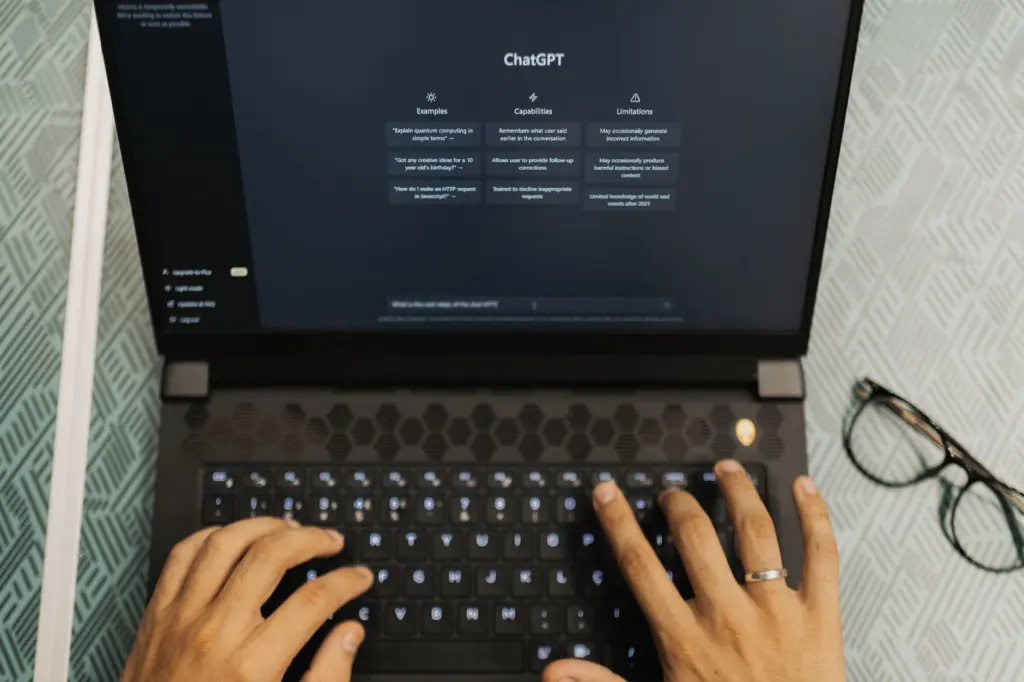
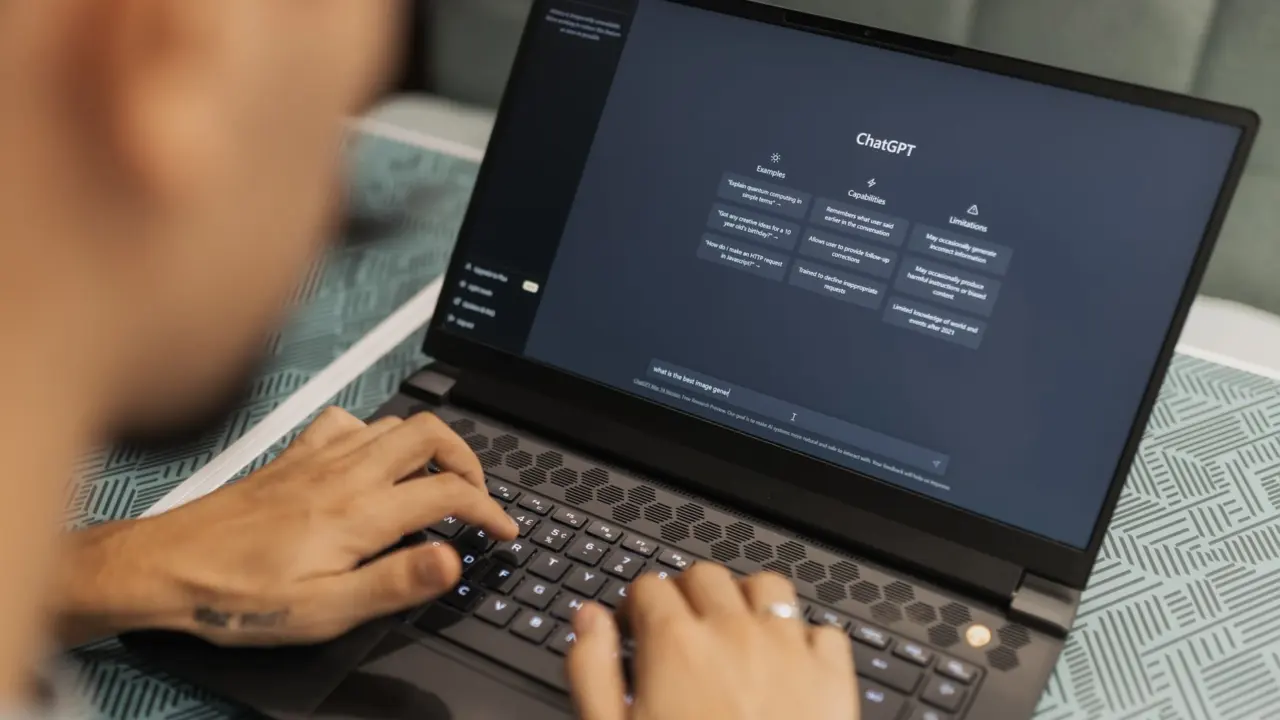
Illustrative image: the instruction text is typed into the builder much like a prompt in an ordinary chat.
The fact lock
These instruction lines answer the question of what keeps the GPT to the facts in your resume. Adapt the wording to your own voice, but keep each rule.
- Source rule: answer using only the resume file attached as knowledge, and treat nothing else as true about me.
- Gap rule: if a detail, number, date or name is not in the resume, say it is not in the resume instead of estimating or inferring it.
- No embellishment rule: do not add metrics, tools, team sizes or outcomes, and do not make my work sound bigger than the file states.
Handling guesses and off-topic questions
Stopping the GPT from guessing about things not in your resume takes two more instructions beyond the fact lock. First, tell it exactly what to say when a question falls outside the file, such as salary expectations, notice period, references or personal views. A fixed line like “That is not covered in the resume; please contact me directly” followed by your preferred contact route works better than leaving the reply to the model.
Second, tell it to decline general career advice and unrelated tasks, and to stay in the role of a resume reader. This matters because a model that is willing to help with anything will start to improvise about you when pressed.
Keep the instructions short and unambiguous. Long, overlapping rules give the model room to follow one and ignore another, and they make it harder to work out which line caused a bad answer.
Add the resume as knowledge
In the builder’s knowledge area, upload your resume file. Use the final version you checked earlier, and give the file a clear name such as your name followed by resume. The instructions should refer to this file as the only source of facts, so the two work together.
If your resume changes, update the knowledge file and run the tests again. A GPT left on an old file will keep answering from outdated roles and dates.
If the GPT seems to ignore the file, tighten the source rule in the instructions and ask a question you know the answer to. Do not respond by pasting extra detail into the instructions field, since that creates a second version of your facts to keep in sync.
Test before you share
Use the preview chat in the builder to question the GPT the way a recruiter would. A passing result is an answer you can match line by line to your resume, and a clear refusal when the file has no answer.
Illustrative image: recruiters may well open a shared link on a phone, so try your test questions on a small screen too.
Questions worth asking
- Questions with answers in the file: ask about your most recent role and a specific project, then compare the answer against the resume.
- Questions with no answer in the file: ask for a figure you never stated, such as a team size or revenue number. The GPT should say it is not in the resume.
- Pressure questions: ask it to guess, or to round up your achievements. It should hold to the fact lock.
- Out-of-scope requests: ask for salary expectations or a general interview tip, and confirm the fixed reply appears.
Symptom and fix
If an answer invents a detail, strengthen the gap rule and repeat the same question. If answers read as generic, add the evidence rule so each claim must point to a role in the file, since AI output may generate generic or inaccurate claims. If a date or title is wrong, the fault may be in the file, so check the resume itself before editing the instructions.
Do not share until several different questions come back clean. One good answer proves little, because errors tend to appear when the question is slightly unusual.
Share it with recruiters
Open the share options in the builder and choose the setting that suits your situation. A link-based option is the practical choice for putting in an email or an application, while keeping the GPT private is right if it is still being tested. Send the link with a sentence saying it answers questions from your resume, and attach the resume itself alongside it.
Illustrative image: ChatGPT is an OpenAI product, so the current rules for your plan and for opening shared links sit in your OpenAI account and help pages.
Plan requirements and recruiter access
Because ChatGPT has free and paid tiers, building the GPT and opening one someone else shared may not be treated the same way. Check the share dialog and OpenAI’s help pages for what a visitor needs, and do not assume a recruiter can chat without signing in. Never make the GPT the only way for a recruiter to see your experience.
If recruiter access looks unreliable, a hosted alternative may suit better. The no code resume chatbot route builds a similar tool outside ChatGPT, and the free resume chatbot options page lists lower-cost choices.
Frequently asked questions
| Question | Answer |
|---|---|
| What instructions keep the GPT to facts in my resume? | State that the attached resume is the only source, that missing details must be reported as not in the resume, and that no numbers or achievements may be added. Naming the role behind each answer helps you spot drift. |
| Can recruiters use it without a paid account? | ChatGPT has both free and paid services, but what a visitor needs to open a shared GPT depends on OpenAI’s current rules. Confirm this in the share dialog, and send your resume alongside the link. |
| How do I stop it from guessing about things not in my resume? | Give it a fixed reply for anything outside the file and tell it to decline unrelated requests. Then test with questions you know the file cannot answer, such as an unstated figure. |
| Does the GPT replace my resume? | No. Treat it as a companion to the document, which remains the reference version and the one to keep updated. |